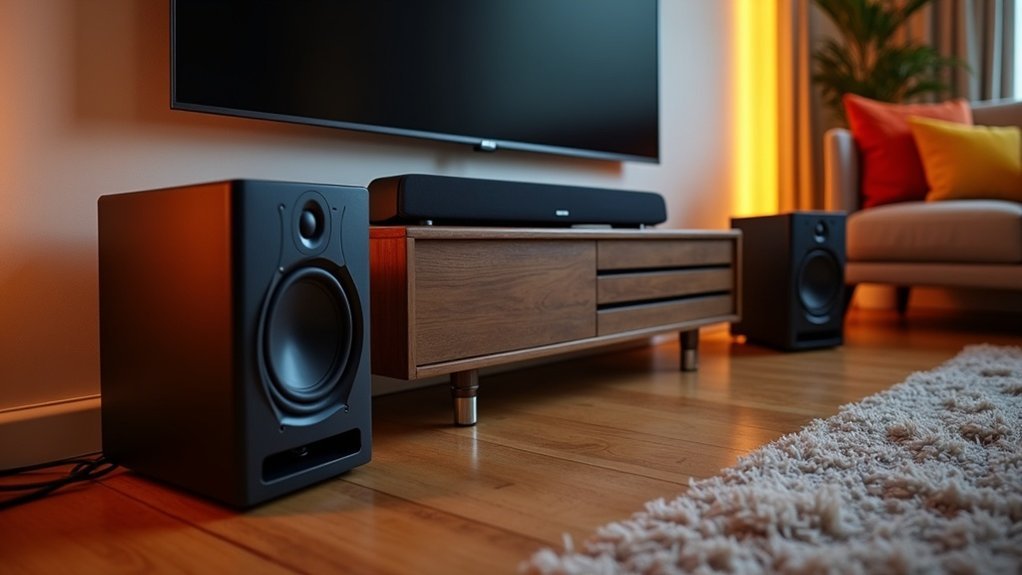
To use a soundbar with external subwoofers, begin by ensuring compatibility; it’s best if they are from the same brand. For wired subwoofers, connect them through the Subwoofer Out jack, or follow the app setup for wireless options. Position the soundbar at ear level for optimal sound quality and place the subwoofer strategically to enhance bass performance. Adjust settings such as volume and crossover frequency to achieve ideal audio output. If you encounter any issues, check the connections and indicators for status. There’s plenty more to learn about optimizing your soundbar experience.
Key Takeaways
- Ensure your soundbar and external subwoofer are from the same brand for compatibility and optimal functionality.
- Connect wired subwoofers using a subwoofer cable to the soundbar’s Subwoofer Out jack.
- For wireless subwoofers, follow the manufacturer’s app or Wi-Fi setup instructions to establish a connection with your soundbar.
- Adjust the soundbar’s volume and audio settings to balance sound and enhance the listening experience.
- Position the subwoofer for optimal bass response, considering room acoustics and placement away from obstacles to complement your soundbar setup.
Connecting Your Subwoofer to the Soundbar
Connecting your subwoofer to the soundbar is crucial for elevating your audio experience.
To achieve optimal sound quality, start by locating the soundbar’s dedicated Subwoofer Out jack. If you’re using a wired subwoofer, connect a subwoofer cable from this jack to the subwoofer’s Input jack.
Start by finding the Subwoofer Out jack on your soundbar to ensure optimal sound quality.
For those with a wireless subwoofer, follow the manufacturer’s app or Wi-Fi setup instructions for easy pairing. Ensure both devices are from the same brand to avoid compatibility issues.
Once connected, test the sound by playing audio and adjusting the volume on both the soundbar and subwoofer to create a well-balanced home audio setup.
Ensuring Compatibility Between Devices
Once you’ve successfully connected your subwoofer to the soundbar, verifying compatibility between these devices is essential for achieving the best audio performance.
Start by confirming both the soundbar and external subwoofer are from the same brand; this guarantees maximum functionality.
Check for a dedicated Subwoofer Out jack on the soundbar for wired connections. If you’re using a wireless subwoofer, ensure it can connect via Bluetooth or Wi-Fi.
For setups with multiple subwoofers, confirm that your soundbar supports dual connections.
Finally, consult the user manuals for specific requirements and settings to ensure seamless integration and enhanced sound quality.
Optimal Placement for Your Subwoofer
Achieving ideal sound quality from your soundbar hinges on its placement within the room. For best sound performance, consider these key factors:
Proper placement of your soundbar is essential for achieving optimal sound quality in your space.
- Position the soundbar directly below or above your television, facing the seating area to enhance sound delivery.
- Ensure the soundbar is mounted or placed at ear level when seated for optimal audio experience.
- Avoid placing the soundbar inside a cabinet, as this can muffle sound and diminish clarity.
Adjusting Settings for Enhanced Audio
After optimizing the placement of your soundbar, the next step is fine-tuning its settings to enhance your audio experience.
Start by adjusting the soundbar volume using the remote to ensure balanced audio levels, which improves overall sound quality.
Experiment with the crossover frequency settings, typically around 80 Hz, to find where the soundbar shifts to the subwoofer if you have one connected.
Make certain your soundbar is within 3 meters of the subwoofer for a strong wireless connection if applicable.
Finally, utilize the soundbar’s audio settings, such as “Movie” or “Music,” to optimize bass response and ensure low frequencies blend seamlessly with the soundbar’s output.
Troubleshooting Connection Issues
When your soundbar and subwoofer aren’t communicating properly, it can significantly diminish your audio experience. To troubleshoot connection issues, follow these steps:
- Check the soundbar’s volume—ensure it isn’t muted or set too low; otherwise, audio output may be affected.
- Verify that your soundbar is selected as the audio output on your TV to ensure proper sound direction.
- Reconnect any loose cables between the soundbar and subwoofer; poor connections can disrupt audio signals.
Additionally, inspect the subwoofer’s LED indicators—a blinking blue light suggests it’s attempting to connect, while a solid blue light indicates a successful connection.







