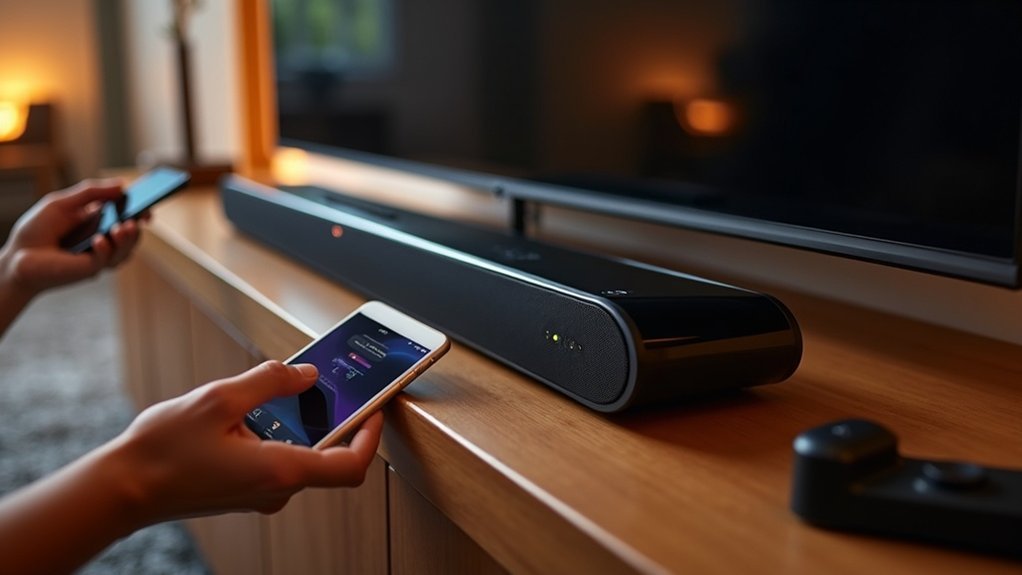
To use Bluetooth multipoint on your soundbar, first ensure that it supports this feature and that your devices are Bluetooth-compatible. Begin by pairing your first device according to the soundbar’s instructions, then pair the second device in the same manner. You can easily switch audio between devices by pausing the current playback before starting the second. If you experience any issues, check your distance from the soundbar and restart the devices to refresh the connections. Looking for more tips to enhance your soundbar experience?
Key Takeaways
- Ensure your soundbar supports Bluetooth multipoint functionality and verify compatibility with your source devices before connecting.
- Update your soundbar’s firmware for improved connectivity and refer to the user manual for specific pairing instructions related to soundbars.
- Maintain a close distance between your soundbar and connected devices while minimizing obstacles to achieve a stable Bluetooth connection.
- Use remote controls or onboard buttons on your soundbar to toggle between connected devices while managing playback effectively.
- Troubleshoot any connection issues by resetting the soundbar, re-pairing devices, and ensuring Bluetooth is enabled on both the soundbar and your devices.
Understanding Bluetooth Multipoint Functionality
Bluetooth multipoint functionality is a game-changer when it comes to using soundbars, especially if you regularly switch between devices. This feature allows you to connect multiple Bluetooth devices, such as your smartphone and tablet, simultaneously to your soundbar.
With multipoint technology, you can seamlessly switch audio between devices without the hassle of manually disconnecting, enhancing your overall convenience. It prioritizes audio from active devices, ensuring you won’t miss important notifications or calls while enjoying audio from your soundbar.
To take advantage of this feature, ensure your soundbar supports multipoint connections and access the settings on your devices or app to enable this functionality. Enjoy uninterrupted music and calls through your soundbar!
Benefits of Using Bluetooth Multipoint on a Soundbar
Using Bluetooth multipoint on your soundbar provides remarkable advantages that elevate your audio experience.
You can effortlessly switch between devices, allowing you to enjoy your favorite music while remaining attentive to incoming calls.
Additionally, this feature enhances your productivity by enabling you to balance work and entertainment seamlessly, ensuring you never miss a moment.
Seamless Device Switching
When you connect your soundbar to multiple devices simultaneously, seamless device switching transforms your entertainment experience.
With Bluetooth multipoint, you can enjoy:
- Automatic prioritization of incoming calls over your soundbar’s audio.
- Effortless switching between music and video without interruptions.
- Automatic pausing of music when your favorite show starts playing through the soundbar.
- Streamlined multitasking for a more enjoyable auditory experience.
- Reduced hassle managing connections across your devices.
This feature enables you to connect multiple devices effortlessly to your soundbar, ensuring you never miss a beat or an important notification while immersing yourself in your favorite content.
Embrace seamless device switching and elevate your soundbar experience!
Enhanced Audio Experience
Experience effortless enjoyment of your favorite shows and music with the enhanced audio capabilities of Bluetooth multipoint technology in soundbars.
This feature allows you to connect multiple devices at once, enabling seamless transitions between your smartphone and tablet without missing a moment. When a call comes through, your soundbar automatically lowers the music volume for clear communication.
This versatility enriches your audio experience, whether you’re multitasking in your living room or home office. With Bluetooth multipoint, you can savor a more immersive and personalized sound, simplifying the management of your various audio sources effortlessly.
Increased Productivity Benefits
Bluetooth multipoint technology on a soundbar significantly enhances your productivity by enabling connections to multiple devices simultaneously.
With this feature, you can effortlessly manage your audio experience without interruptions. Here are some key benefits:
- Instantly switch between devices using your soundbar.
- Receive calls or notifications while enjoying your favorite content.
- Multitask with ease, such as taking work calls while listening to music.
- Prioritize important audio for better focus and concentration.
- Save time by streamlining the management of multiple devices.
Pre-Connection Requirements for Your Soundbar
Before diving into connecting your soundbar, it’s crucial to verify that it supports Bluetooth multipoint functionality, as not all models offer this feature. Confirm that both source devices are Bluetooth-compatible and within range. Updating your soundbar’s firmware can enhance connectivity, so don’t skip that step. Always check the user manual for specific pairing instructions and limitations regarding the number of devices you can connect simultaneously. Reducing the distance and obstacles between your soundbar and devices is important for stable Bluetooth connections.
| Requirement | Description | Importance |
|---|---|---|
| Multipoint Support | Check if your soundbar supports it | Enables connecting multiple devices |
| Device Compatibility | Verify devices are Bluetooth-compatible | Critical for successful pairing |
| Firmware Update | Keep your soundbar’s software current | Improves performance and stability |
Step-by-Step Guide to Pairing the First Device
To start pairing your first device with the soundbar, ensure that the soundbar supports Bluetooth multipoint functionality.
Next, activate Bluetooth on your device and make it discoverable.
Finally, press the Bluetooth pairing button on the soundbar or navigate to the settings to initiate the connection process.
Preparing the Soundbar
Pairing your soundbar with a Bluetooth device is a straightforward process that enhances your audio experience.
To prepare your soundbar for connection, follow these steps:
- Ensure that your soundbar supports Bluetooth multipoint functionality for connecting multiple devices.
- Power on the soundbar and activate pairing mode; a flashing LED light will indicate that it’s ready to connect.
- On your first Bluetooth device, navigate to its Bluetooth settings.
- From the list of available devices, select your soundbar to establish the connection.
- Listen for an audio prompt or observe a solid LED light to confirm that the connection was successful.
Once connected, you’re ready to pair additional devices seamlessly, allowing you to enjoy an enriched sound experience with your soundbar.
Initiating Bluetooth Pairing
Initiating Bluetooth pairing for your soundbar is a straightforward process that connects your first device to it.
Begin by ensuring that your soundbar is powered on and set to Bluetooth pairing mode, which is indicated by a blinking LED light.
Then, activate Bluetooth on your device, such as a smartphone or tablet, and navigate to the Bluetooth settings menu.
Search for available devices and select your soundbar to start the pairing process.
When prompted, confirm the pairing on both the soundbar and your device.
Once connected, you’ll either hear an audio confirmation or see a solid LED light, indicating a successful connection.
Now you’re all set to enjoy your soundbar and can connect multiple devices as needed!
Step-by-Step Guide to Pairing the Second Device
Connecting a second device to your soundbar with Bluetooth multipoint is a straightforward process. Follow these steps to connect multiple devices effortlessly:
- Confirm your soundbar is in pairing mode; look for a blinking Bluetooth light.
- On the second device, activate Bluetooth and search for available devices.
- Select your soundbar from the list to start pairing.
- Wait for confirmation that the connection is established.
- If you face any issues, refer to your soundbar’s user manual for troubleshooting tips.
Once connected, your soundbar will seamlessly manage audio from both devices, allowing smooth transitions between them.
Your soundbar effortlessly switches between devices, providing a seamless audio experience for all your media.
Enjoy enhanced audio experiences with your soundbar!
Switching Between Connected Devices
How do you switch between connected devices on your soundbar with Bluetooth multipoint? First, ensure your soundbar is in pairing mode and has two devices connected. You can easily switch between two audio sources by pausing playback on the active device and starting playback on the second one. Many soundbars allow you to toggle between devices using the remote control or onboard buttons. Some models even provide voice prompts for easier navigation. Always consult your soundbar’s user guide for specific instructions, as functionality may differ by model.
| Action | Device 1 | Device 2 |
|---|---|---|
| Pause Playback | Yes | No |
| Start Playback | No | Yes |
| Remote Toggle | Yes | Yes |
| Voice Prompt Active | Yes | Yes |
| Check User Guide | Yes | Yes |
Troubleshooting Common Connection Issues
While enjoying the convenience of Bluetooth multipoint on your soundbar, you may encounter some common connection issues. Here are some troubleshooting tips to help you connect multiple devices smoothly:
- Ensure your soundbar is within effective Bluetooth range to maintain a stable connection.
- Check that your soundbar supports Bluetooth multipoint functionality; refer to the user manual for confirmation.
- If you experience issues, try resetting the soundbar and re-pairing your devices to clear any temporary glitches.
- Make sure both devices have Bluetooth enabled and aren’t connected to other devices to avoid interference.
- Regularly update your soundbar’s firmware to ensure compatibility and to receive important bug fixes.
Additional Features to Enhance Your Audio Experience
Enhancing your audio experience with a soundbar goes beyond just connecting devices; it involves leveraging the advanced features that modern soundbars offer. With Bluetooth multipoint, you can effortlessly connect to multiple devices, allowing you to switch seamlessly between your smartphone and tablet. Enjoy the convenience of automatic call prioritization, ensuring you never miss an important notification while immersed in your favorite music. Additionally, soundbars equipped with Bluetooth 5.0 provide improved range and stability, elevating your overall multitasking experience.
| Feature | Benefit | Emotion Evoked |
|---|---|---|
| Bluetooth Multipoint | Connect to multiple devices | Freedom in multitasking |
| Automatic Call Prioritization | Stay connected easily | Peace of mind |
| Enhanced Range & Stability | Superior sound quality | Joy in audio clarity |







