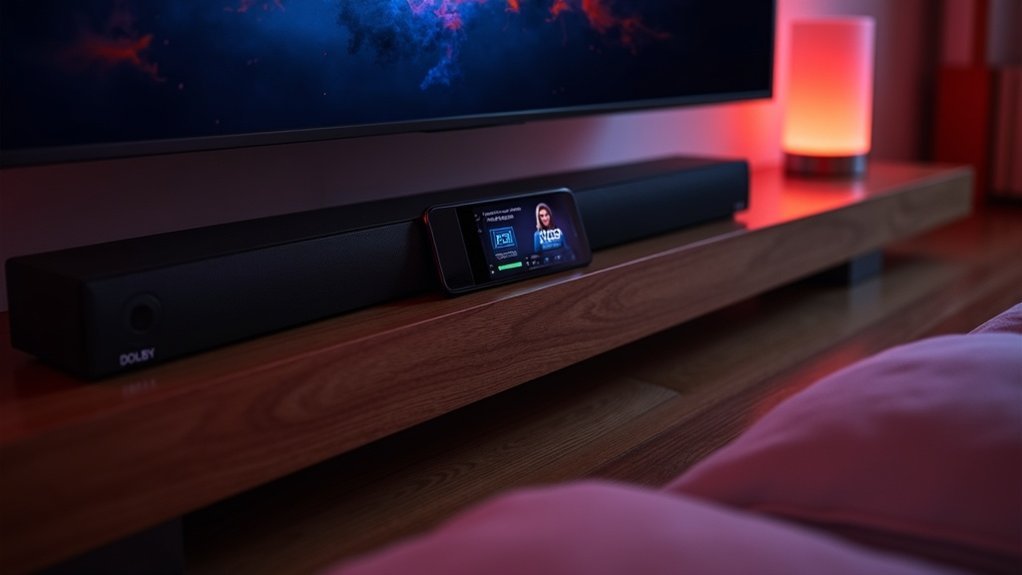
To test Dolby Atmos on your soundbar, start by connecting it to a compatible device and configuring your TV settings for audio pass-through. Check your soundbar’s app to confirm Dolby Atmos capability and ensure that all firmware is up to date. Listen for immersive audio effects during spatial audio demos, adjusting the placement and settings of your soundbar as needed for optimal performance. To verify the functionality of height channel speakers and the surround sound experience, utilize dedicated test tracks. Explore additional testing tips and techniques to further enhance your audio experience with your soundbar.
Key Takeaways
- Connect your soundbar to a Dolby Atmos-compatible device, ensuring a proper HDMI ARC or eARC setup for optimal audio pass-through.
- Confirm Dolby Atmos support by checking the soundbar’s app or user manual, and adjust your TV settings to display the audio format correctly.
- Utilize demo content specifically tailored for Dolby Atmos to thoroughly assess sound quality and experience the immersive audio effects it offers.
- Pay attention to spatial sound cues, such as effects that seem to originate from above, to evaluate the performance of your soundbar.
- Join online communities dedicated to soundbars for valuable tips, troubleshooting advice, and the latest updates on Dolby Atmos content and soundbar features.
Check Your Soundbar’s App
To effectively test Dolby Atmos on your soundbar, start by checking its dedicated app. Many soundbars feature control apps that allow you to configure settings and verify audio output format.
If you own a Sonos soundbar, navigate to Settings > System > About My System to find detailed information on Dolby Atmos functionality. This app is particularly beneficial as it displays audio decoding information clearly.
For soundbars from other brands, consult the user manual for specific features. Additionally, regularly updating your soundbar’s app ensures you have access to the latest improvements related to Dolby Atmos functionality, enhancing your overall audio experience.
Verify TV Settings
To ensure your soundbar delivers Dolby Atmos sound effectively, begin by checking your TV’s audio format display; it should indicate “Atmos.”
Next, navigate to the advanced audio settings to confirm that the output format is compatible with Dolby Atmos.
Finally, make sure your soundbar is connected to the TV via HDMI ARC or eARC for optimal audio signal transmission.
Check Audio Format
Verifying the audio format on your soundbar is essential for ensuring that it receives the correct Dolby Atmos signal from your TV.
Use your TV remote‘s Info or Status buttons to check audio format details, confirming that “Atmos” appears in the audio format section.
It’s important to check that your TV supports Dolby Atmos, which you can verify in the user manual or by looking for the Dolby Atmos logo.
Additionally, make sure any audio-specific features or sound processing modes on your soundbar are activated to optimize Atmos playback.
Regularly review these settings, especially when connecting new devices or after software updates, to maintain immersive sound quality from your soundbar.
Advanced Audio Settings
While checking your soundbar’s compatibility with Dolby Atmos, it’s crucial to examine the advanced audio settings on your TV.
Use your remote’s Info or Status buttons to confirm the current audio format; ensure “Atmos” is displayed.
Navigate to the advanced audio settings to set the audio output to a compatible format, like Bitstream, which supports Dolby Atmos.
Additionally, confirm that your TV’s firmware is up to date, as updates can enhance compatibility and performance with Dolby Atmos content.
If your soundbar comes with a dedicated app, make use of it to verify that Dolby Atmos is being properly decoded from the TV’s output for an optimal audio experience.
Utilize Your Ears
Your ears are your most valuable tool when testing soundbars featuring Dolby Atmos technology.
Listen closely for immersive audio that creates a sense of spatial sound, where sounds appear to move around the room. Effective demonstrations, such as rainfall or ricocheting bullets, should convey height and direction, enhancing your overall soundbar experience.
Focus on sounds originating from above the screen, which is a key feature of the Dolby Atmos experience. Assess clarity and separation; a well-calibrated soundbar setup allows you to perceive distinct sounds from various locations in your space.
Engaging in community discussions can further enrich your understanding of what to expect during your Dolby Atmos soundbar testing session.
Preparing for the Test
Achieving an ideal Dolby Atmos experience with your soundbar begins with proper preparation before testing.
First, ensure your soundbar is connected to a Dolby Atmos-compatible device, such as a 4K Blu-ray player or a suitable streaming device.
Next, consult your soundbar’s app or manual to confirm it supports Dolby Atmos, typically indicated by a specific logo.
Configure your TV settings to enable Dolby Atmos audio pass-through, and verify the audio output formats.
Additionally, use high-speed HDMI cables to prevent signal issues and confirm that the content you’re playing from a streaming service is available in Dolby Atmos format for an authentic audio experience.
Testing Surround Speakers
To guarantee your soundbar delivers an immersive audio experience, testing the surround speakers is essential.
Testing your surround speakers is crucial to ensure your soundbar provides an immersive audio experience.
Use a dedicated app like Surround Speaker Check to confirm peak performance:
- Utilize the “5.1 Speaker Check” to identify any connection issues with visual cues.
- Adjust speaker levels precisely with continuous audio loops in the “Manual Speaker Check.”
- Employ a decibel meter for fine-tuning surround sound output.
These steps will help you verify that each surround speaker contributes effectively to your spatial audio experience, ensuring that you achieve the desired immersive audio quality from your soundbar.
Testing Height Channel Speakers
While testing soundbars equipped with height channel speakers is essential for experiencing the full potential of Dolby Atmos, it’s important to ensure they are properly configured and functioning. Use the Surround Speaker Check app’s “Spatial Suite” feature to assess the height channels effectively. You can also utilize continuous audio loops for focused testing. Incorporate a decibel meter to fine-tune levels for balanced Atmos sound. Here’s a quick reference for soundbar height channel configurations:
| Configuration | Height Channels | Key Benefit |
|---|---|---|
| 5.1.2 | 2 | Basic spatial effect |
| 7.1.4 | 4 | Enhanced overhead sound |
| 9.1.6 | 6 | Immersive experience |
| 11.1.8 | 8 | Ultimate Atmos sound |
| 5.1.4 | 4 | Wide soundstage |
Experiencing Spatial Audio Demos
To fully appreciate Dolby Atmos with your soundbar, you should engage with spatial audio demos that showcase audio object representation.
For instance, the F-18 Fighter Jets track effectively demonstrates how sound can come from various angles and heights, enhancing your perception of directionality.
Utilizing the Surround Speaker Check feature of your soundbar, you can experience immersive audio demonstrations that highlight its capabilities and elevate your listening experience.
Audio Object Representation
Experiencing spatial audio demos through soundbars, particularly with Dolby Atmos technology, allows you to appreciate how audio object representation enhances sound immersion.
This innovative technology enables sounds to move freely in three-dimensional space, creating a captivating auditory environment.
- Experience precise audio positioning with sounds coming from above and all around you.
- Test with the F-18 Fighter Jets track for a demonstration of natural audio directionality.
- Utilize the Surround Speaker Check’s “Spatial Suite” for effective height channel assessments.
These features collectively contribute to an immersive Dolby Atmos experience, showcasing its potential for exceptional spatial audio in your soundbar setup.
Immersive Audio Demonstrations
Immersive audio demonstrations showcase the full potential of soundbars equipped with Dolby Atmos technology, allowing you to hear sounds in a way that standard audio can’t replicate.
By utilizing Spatial Object tracks, such as the F-18 Fighter Jets demo, you’ll experience precise audio directionality and spatial positioning that soundbars can deliver.
The Surround Speaker Check app enhances this experience with its “Spatial Suite,” testing height channels to ensure your Dolby Atmos-enabled soundbar performs at its best.
Monthly updates introduce new immersive audio demos, continuously enriching your understanding of what your soundbar can achieve with Dolby Atmos capabilities.
Engaging with these demos will clearly distinguish the enhanced soundscapes produced by soundbars from traditional audio systems, elevating your listening experience to new heights.
Additional Resources and Recommendations
While testing your soundbar’s Dolby Atmos capabilities, tapping into additional resources can greatly enhance your experience.
Consider exploring these options:
- Online forums dedicated to soundbar setups and wireless speakers for user insights
- Dolby demo files available on platforms like VUDU to experience high-quality audio mixing
- Expert reviews specifically focusing on the best soundbars that support Dolby Atmos
Engaging with the soundbar community will provide troubleshooting tips and shared knowledge that can optimize your setup.
Connecting with the soundbar community offers valuable tips and insights to enhance your audio setup.
Staying updated on advancements in audio technology ensures your soundbar system remains compatible with new Dolby Atmos features and high-quality content.







