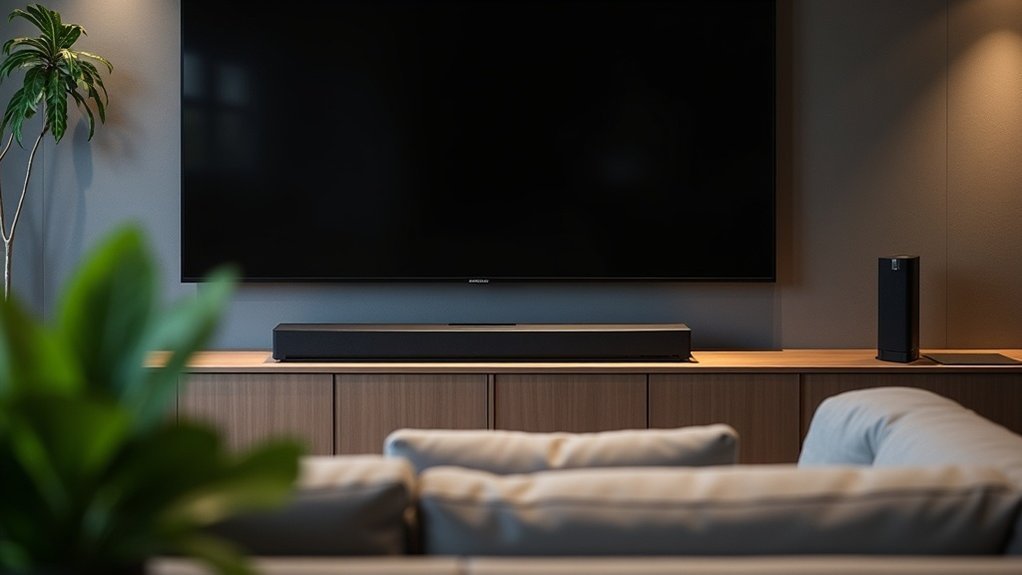
To reduce reverb with your soundbar, begin by disabling virtual surround sound and tweaking the EQ settings to lower the low frequencies between 60 Hz and 120 Hz. Position your soundbar at ear level and place it near a wall while avoiding corners to help minimize bass reflections. Consider using acoustic treatments such as curtains or panels to absorb any unwanted sound. Regularly check for firmware updates and experiment with playback settings on both your soundbar and streaming sources to achieve optimal clarity. There are even more effective techniques for you to explore.
Key Takeaways
- Adjust virtual surround sound settings or disable them entirely to minimize echo and enhance audio clarity from your soundbar.
- Lower bass levels and cut frequencies between 60 Hz and 120 Hz to reduce low-end reflections that can cause reverb in soundbar audio.
- Utilize built-in audio calibration features of your soundbar to optimize sound based on your room’s acoustics.
- Position the soundbar at ear height and away from corners to improve direct sound delivery and reduce reflections.
- Incorporate soft furnishings and acoustic panels in the room to absorb sound reflections and enhance overall clarity when using your soundbar.
Understanding Echo and Reverberation
When you listen to audio through a soundbar, it’s important to understand the concepts of echo and reverberation, as they can significantly affect sound quality.
Echo is the distinct reflection of sound that you hear after the original sound, while reverberation involves the ongoing persistence of sound due to multiple reflections, leading to prolonged decay.
Echo refers to the clear reflection of sound after the original, whereas reverberation is the lingering sound from multiple reflections.
To enhance clarity in your audio experience, it’s essential to manage reverberation time, which can influence intelligibility.
Soundbars are designed to provide balanced sound output, and incorporating sound absorption materials, like acoustic panels or soft furnishings in the room, can further reduce unwanted reflections.
This balance between direct sound from the soundbar and any reverberated sound is crucial for achieving a clearer audio experience, especially in larger spaces.
Identifying Soundbar Settings
To effectively reduce reverb on your soundbar, start by adjusting its virtual surround sound options, as these can create an echo effect.
Next, explore the playback settings on your music streaming service, particularly any Dolby Atmos features, which may influence how sound is processed through your soundbar.
Adjusting Virtual Surround Options
While many soundbars offer virtual surround sound features that can enhance your listening experience, these settings can sometimes lead to unwanted reverb or echo.
To reduce echo, access your soundbar’s settings menu and locate the virtual surround sound options. Deactivating these features can often improve clarity by minimizing audio reflections.
Experiment with various sound modes, as some prioritize direct sound delivery over surround effects. Additionally, regularly check for firmware updates, which may enhance sound clarity.
If you’re using a streaming service like Tidal, consider toggling Dolby Atmos options, as active processing can exacerbate reverb issues.
Exploring Playback Settings
Exploring playback settings can significantly enhance your soundbar’s performance and minimize reverb.
Here are three essential adjustments to consider for improving sound quality:
- Disable Virtual Surround Sound: This feature can elevate reverb levels, so turning it off may result in clearer audio.
- Toggle Dolby Atmos: Check if your streaming services offer this option, as it can influence sound processing and potentially worsen reverb.
- Adjust EQ Settings: Be cautious with equalizer changes; overly aggressive adjustments may lead to audio distortion instead of improvement.
Additionally, ensure all connections are secure and keep your firmware updated to achieve optimal sound quality from your soundbar.
Adjusting Equalizer Settings
To effectively reduce reverb on your soundbar, start by adjusting the bass levels; lowering these frequencies can minimize muddiness caused by echo.
Next, fine-tune the treble settings to enhance dialogue clarity, allowing voices to cut through any lingering reflections.
This precise balance between bass and treble will greatly improve your overall sound experience with your soundbar.
Adjust Bass Levels
Adjusting the bass levels on your soundbar’s equalizer is an essential step in minimizing reverb in your audio experience. Lowering bass levels can reduce uncontrollable reflections in rooms with hard surfaces.
Here are three key adjustments to contemplate:
- Cut frequencies between 60 Hz and 120 Hz to decrease low-end reflections.
- Experiment with EQ presets, like “dialogue” or “music,” for clearer sound and reduced muddiness.
- Utilize built-in audio calibration features to tailor settings according to your room’s acoustics.
These adjustments lead to improved sound clarity and a more enjoyable listening experience, effectively addressing unwanted reverb.
Enjoy the enhanced performance of your soundbar for movies, music, and more!
Fine-Tune Treble Settings
Fine-tuning treble settings on your soundbar is essential for minimizing reverb and enhancing audio clarity.
Start by adjusting the equalizer options to cut high-frequency reflections that contribute to echo. Increasing treble can improve speech and vocal clarity, helping dialogue stand out against reverberant backgrounds.
Conversely, lowering treble frequency can reduce harshness associated with reverb, yielding a smoother sound profile.
Regularly test different treble settings with familiar audio from your favorite shows and movies to identify the ideal configuration for your room’s acoustics.
This tailored approach guarantees you achieve the best sound quality from your soundbar while effectively managing reverb challenges.
Positioning Your Soundbar
Positioning your soundbar correctly is crucial for minimizing reverb and enhancing audio clarity. Follow these guidelines to optimize placement:
Proper soundbar placement is essential for reducing reverb and improving audio clarity in your space.
- Close to the Wall: Place the soundbar near a wall to minimize reflections and enhance direct sound delivery.
- Aim Downward: If mounted high, angle the soundbar slightly downward to direct sound towards the audience, reducing upward reflections.
- Ear Height: Ensure the soundbar is level with ear height when seated to improve sound projection and clarity.
Avoid corners and tight spaces, especially near large glass windows, as they can amplify unwanted bass reflections and worsen reverb issues.
Exploring Sound Modes
While exploring sound modes on your soundbar, you can significantly enhance audio performance and reduce reverb. Many soundbars come equipped with modes such as Music, Movie, and Dialogue, each designed to optimize sound waves for different types of content.
Engaging Dialogue mode prioritizes vocal clarity, minimizing echo by focusing on speech frequencies. Movie mode, with its dynamic processing, adjusts the soundstage to create an immersive experience, effectively counteracting reverb in larger spaces.
Additionally, Night mode compresses dynamic range, reducing reverb perception during quieter scenes. By experimenting with these settings, you can dramatically improve your listening environment and achieve clearer audio from your soundbar.
Utilizing External Acoustic Solutions
To further enhance the audio experience from your soundbar, incorporating external acoustic solutions can make a significant difference.
These solutions help manage sound energy and reduce reverb effectively:
- Soft Furnishings: Use curtains and rugs to absorb sound reflections, which can improve the overall sound quality from your soundbar.
- Acoustic Panels: Strategically place panels on walls to minimize echo and enhance clarity, ensuring that the audio from your soundbar is crisp and clear.
- Portable Absorbers: Employ movable baffles or blankets to dampen sound reflections during events, helping to maintain an optimal listening environment for your soundbar.
Additionally, arranging furniture to create barriers for sound waves and filling the room with people can also help break up reflections, improving direct sound delivery and overall audio quality from your soundbar.
Experimenting With Playback Sources
Experimenting with different playback sources can significantly enhance your soundbar’s performance and assist in managing reverb effectively. By testing platforms like Tidal and Spotify, you may notice notable differences in sound quality and echo.
For example, Tidal’s MQA removal can improve clarity, thereby reducing perceived reverb. Adjusting playback settings, such as toggling Dolby Atmos on and off, allows you to observe how different audio formats interact with your soundbar.
Higher-quality streams tend to minimize echo effects, while comparing HDMI and Optical connections can uncover various processing differences.
Additionally, ensure your soundbar’s firmware is up to date, as this can improve compatibility and performance, especially in rooms with low ceilings where reverb might be more pronounced.
Community Tips for Enhancing Sound Quality
When looking to enhance your soundbar experience, engaging with community tips can provide valuable insights that go beyond standard adjustments.
Here are three key strategies you should consider:
- Disable Virtual Surround Sound: This feature can often lead to echo and muddiness, so turning it off can result in clearer audio from your soundbar.
- Adjust Equalizer Settings: Experiment with the equalizer settings on your soundbar and your music streaming service to find the perfect balance for your listening preferences.
- Optimize Soundbar Positioning: Position your soundbar at ear level and ensure it faces the listening area to improve direct sound delivery and minimize reflections.
Implementing these strategies can significantly enhance your overall audio experience with your soundbar.







