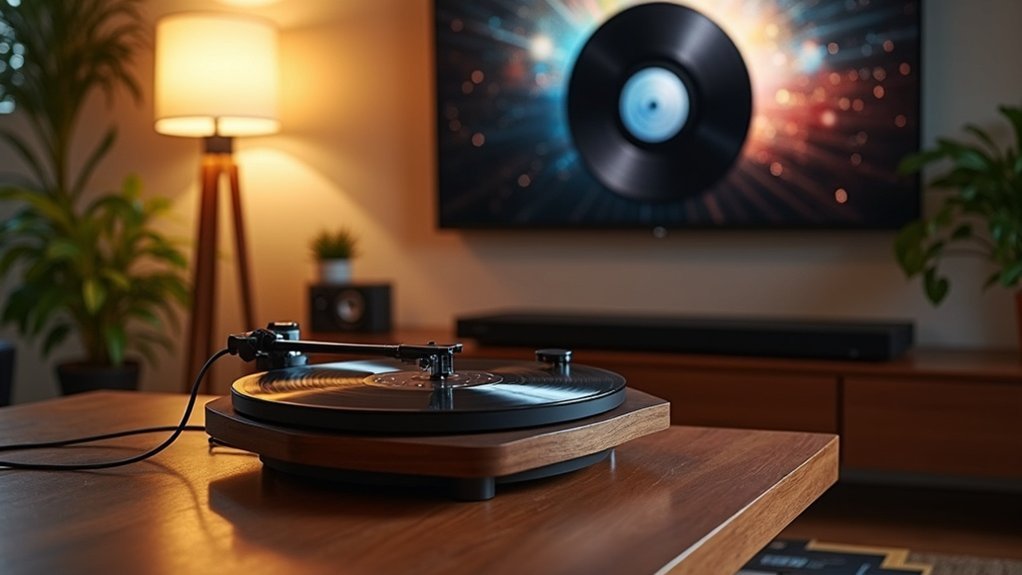
To connect your turntable to a soundbar, start by checking if your turntable has a built-in phono preamp; if it doesn’t, you’ll need to use an external preamp to enhance the signal. Use appropriate cables, such as RCA to AUX, to connect to the soundbar’s inputs. Ensure all connections are secure and select the correct input source on the soundbar for optimal audio playback. If you encounter any buzzing issues, check the grounding. For additional tips on soundbar setups and troubleshooting, feel free to explore further resources.
Key Takeaways
- Determine if your turntable includes a built-in phono preamp; if it lacks one, you’ll need an external preamp for optimal signal amplification.
- Examine your soundbar’s input options (HDMI, optical, AUX) and select the appropriate cables for the connection.
- For soundbars equipped with auxiliary inputs, use an RCA to AUX cable to establish a stable wired connection, enhancing audio quality.
- Ensure all connections are secure, choose the correct input source on the soundbar, and adjust volume levels to prevent distortion.
- Regularly check for firmware updates on your soundbar to enhance performance and ensure compatibility with your turntable.
The Role of the Phono Preamp
When connecting a turntable to a soundbar, understanding the role of the phono preamp is essential, as it amplifies the low-level signal from your turntable to a line-level signal compatible with your soundbar.
If your turntable, such as the Audio Technica LP120USB, lacks a built-in preamp, you’ll need an external RIAA preamp to ensure the audio signal is strong enough for optimal playback through your soundbar.
The choice of phono preamp can significantly influence your sound quality; investing in a high-quality model can help minimize noise and distortion, enhancing your overall listening experience.
Additionally, proper grounding and connection are crucial to avoid unwanted buzzing or humming, allowing you to enjoy a clear and immersive sound.
Identifying Inputs and Outputs
Identifying the correct inputs and outputs is critical for ensuring optimal sound quality when using your soundbar. Start by checking the available inputs on your soundbar to ensure compatibility with your devices.
Identifying the correct inputs and outputs is essential for achieving the best sound quality with your soundbar.
Here are key points to take into account:
- Soundbars may offer HDMI, optical, AUX, or Bluetooth options that determine how you can connect various devices.
- Ensure you have the right cables, such as HDMI, optical, or AUX, to establish a proper connection with your source device.
- If connecting a turntable, consider whether your soundbar accepts RCA inputs directly or if an adapter is needed.
After connecting, select the appropriate input setting on your soundbar to ensure proper audio playback.
Does Your Turntable Have a Built-In Preamp?
To connect your turntable to a soundbar effectively, it’s crucial to determine whether your turntable includes a built-in preamp.
This feature streamlines the connection process, enabling a direct link to your soundbar.
If your turntable doesn’t have a preamp, you’ll require an external phono preamp to ensure optimal sound quality through your soundbar.
Importance of Built-In Preamp
Understanding whether your turntable has a built-in preamp is crucial for optimizing audio performance when connecting to a soundbar. A built-in preamp amplifies low-level audio signals to line-level, ensuring compatibility with your soundbar.
Here are three key reasons why this feature matters:
- Eliminates the need for external amplification, making your soundbar setup more straightforward.
- Ensures superior sound quality by enhancing the raw output from your turntable, leading to a richer audio experience.
- Helps prevent potential audio issues, ensuring smooth integration with your sound system for consistent playback.
To achieve the best sound quality through your soundbar, check your turntable’s specifications or user manual to confirm if it includes a built-in preamp.
Identifying Preamp Presence
Determining if your turntable has a built-in preamp is essential for achieving peak audio performance, especially when connecting to soundbars.
Check your turntable’s specifications; modern models like the Audio Technica LP120USB typically include this feature. A built-in preamp amplifies the low-level signal to a usable line-level signal, allowing for direct connection to soundbars without additional equipment.
If you’re uncertain, look for a switch labeled “Phono/Line.” Setting it to “Line” indicates a built-in preamp.
Alternatives if Unavailable
If your turntable doesn’t have a built-in preamp, you can still connect it to your soundbar effectively. Here’s what you need to consider for a successful connection:
- External Phono Preamp: Invest in a dedicated phono preamp to amplify the signal specifically for your soundbar.
- Receiver with Phono Input: Opt for a receiver equipped with a built-in phono stage, enabling a direct connection to your soundbar.
- Adapter Cables: Explore the option of using adapter cables if your soundbar accepts different input types, ensuring they’re compatible with your turntable’s output.
Turntable Soundbar Connections
Connecting a turntable to a soundbar can significantly enhance your audio experience, but it requires careful consideration of the equipment involved.
First, check if your turntable has a built-in preamp; if it doesn’t, you’ll need an external RIAA preamp to boost the signal to line level.
Many soundbars, such as the Sonos Beam, have limited connectivity options, typically using HDMI-ARC and often lacking HDMI inputs suitable for turntables.
If your soundbar features an auxiliary input, using an RCA to AUX cable can simplify the connection process.
For improved sound quality, you might consider a Bluetooth transmitter; however, be aware that this may compromise audio fidelity compared to wired connections.
Troubleshooting Common Issues With Turntable Soundbar
If you’re experiencing no sound issues with your soundbar setup, begin by checking all cable connections to ensure everything is properly plugged in.
It’s important to verify that your soundbar is correctly set up with any necessary components and that all settings are configured correctly.
Grounding issues can lead to unwanted noise, so addressing any buzzing or humming is crucial—make sure your connections are secure and use quality cables.
Additionally, adjusting the volume levels on your soundbar can help eliminate distortion and enhance overall sound quality.
No Sound Issues
When you experience no sound from your turntable connected to a soundbar, the first step is to ensure that both devices are powered on and that their volume levels are adjusted appropriately.
Next, check these important factors:
- Make sure the correct input source is selected on the soundbar.
- Inspect all cable connections between the turntable, preamp, and soundbar to ensure they’re secure.
- If a phono preamp is in use, verify that it’s powered on and connected correctly.
By addressing these areas, you can effectively troubleshoot the no sound issue.
If the problem continues, further examination of other potential concerns may be needed.
Grounding and Noise Solutions
Unwanted hum or noise can disrupt your listening experience when using a soundbar with a turntable. To minimize interference, ensure your turntable is properly grounded to the soundbar or amplifier.
Use high-quality RCA cables for the connection, as inferior cables can introduce noise. If you notice buzzing, check all connections and confirm that the turntable’s ground wire is securely attached to a grounded outlet or the soundbar’s grounding point.
Adjust the volume levels on both the turntable and soundbar to prevent distortion. Furthermore, position the turntable away from other electronics and employ isolation pads to reduce vibration-related noise in the audio output.
Enhancing Your Listening Experience
To enhance your listening experience with a soundbar, especially when connecting it to a turntable, it’s important to consider several factors that can impact audio quality.
- Proper placement of the soundbar can greatly affect sound clarity and overall balance in your listening environment.
- Utilizing high-quality RCA cables is essential to minimize signal loss and ensure optimal sound fidelity.
- Regular maintenance of your vinyl records is crucial, as clean, well-kept records prevent dust and scratches from affecting playback quality.
Adjusting the volume levels on both the soundbar and turntable is vital to avoid distortion and achieve a well-balanced audio output.
Additionally, exploring options such as self-powered speakers or a dedicated amplifier can significantly enhance sound quality when integrating your turntable with a soundbar.
Recommended Sound Bars for Turntable Setup
Finding the right soundbar for your turntable setup can greatly enhance your vinyl listening experience, especially if it includes the necessary inputs for seamless integration.
Recommended soundbars for a turntable setup include the Bose Soundbar 700 and the Klipsch Cinema 600, both of which offer AUX and RCA inputs for straightforward connections.
The Sonos Port is another excellent option, providing a line-in for analog-to-digital conversion.
For a more direct solution, the Victrola Stream Carbon Turntable connects effortlessly to compatible soundbars.
Always ensure you check for low audio latency to avoid delays that could disrupt your listening enjoyment.







