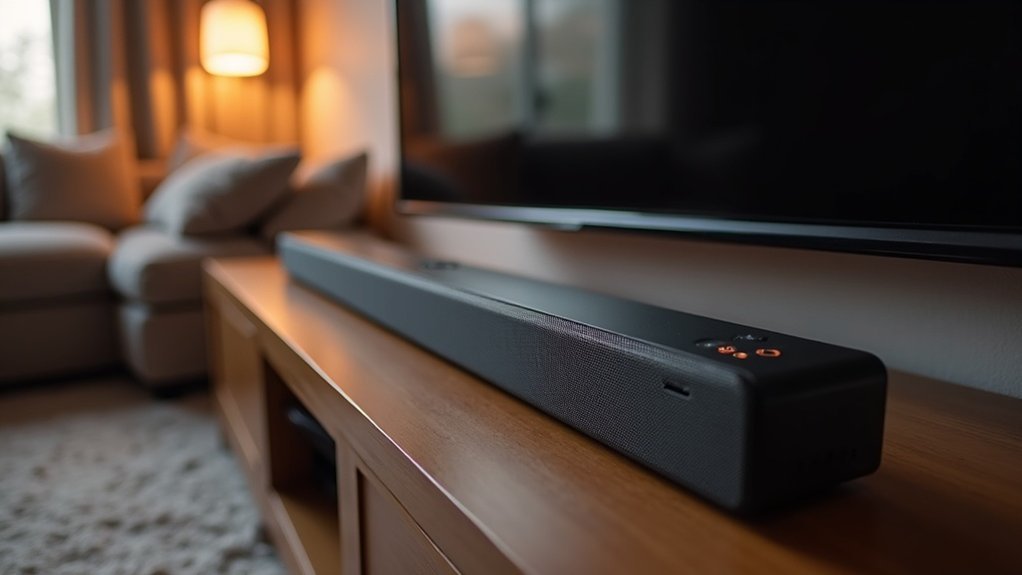
To calibrate your soundbar for dialogue clarity, start by positioning it at ear level, directly beneath your TV, and ensure it’s clutter-free. Enable any dialogue enhancement features available on your soundbar to boost speech frequencies. Adjust the bass and treble levels—reduce bass if it muddles voices and slightly increase treble to sharpen clarity. Regularly test your settings using dialogue-heavy content, and fine-tune the EQ settings as needed. For more comprehensive tips on optimizing your soundbar’s audio settings, continue exploring our guide.
Key Takeaways
- Position the soundbar at ear level and directly below the TV to enhance dialogue clarity.
- Activate dialogue enhancement features to boost frequencies between 1 to 4 kHz, improving speech intelligibility.
- Adjust bass levels downward to prevent masking of vocal sounds and enhance dialogue clarity.
- Increase the center channel volume by 2 dB for better projection of dialogue.
- Regularly review and recalibrate settings, especially after moving the soundbar or changing room acoustics to ensure optimal performance.
Understanding Soundbar Basics
A soundbar serves as a significant enhancement over standard TV speakers, elevating audio quality with its larger drivers and advanced technologies.
It’s specifically designed to improve dialogue clarity, thanks to the center channel, which focuses on vocal reproduction. Many soundbars come equipped with audio settings such as dialogue enhancement, allowing you to tailor the sound for movies or shows.
Proper speaker placement is crucial; positioning the soundbar directly below the TV at ear level ensures that dialogue is clear and intelligible.
Optimal Soundbar Placement
To achieve the best dialogue clarity with your soundbar, position it directly below the TV at ear level and ensure it’s free from obstructions.
For optimal bass performance, place the subwoofer strategically on the same wall as the TV.
Following these guidelines will maximize your soundbar’s audio performance and enhance your overall viewing experience.
Center Speaker Positioning
Positioning the center channel speaker of your soundbar correctly is essential for achieving ideal dialogue clarity. Place the center speaker directly below the TV screen at ear level when seated to enhance sound quality and ensure that dialogue aligns with on-screen action.
If necessary, angle the center speaker slightly towards the listening area for better sound directionality. Be mindful of your surround speakers; their placement shouldn’t overpower the center channel.
Adjust the subwoofer volume to prevent interference with dialogue. Avoid placing the soundbar in closed cabinets or behind obstructions that can muffle sound, as this will considerably reduce clarity and detract from your overall viewing experience.
Avoid Obstructive Placement
When positioning your soundbar, it’s crucial to ensure that no objects obstruct its drivers, as even small barriers can significantly diminish sound quality and clarity of dialogue. For optimal audio projection, place your soundbar directly below the TV, and steer clear of enclosed spaces that may muffle sound. Wall-mounting is an excellent option for upfiring drivers; however, make sure it’s installed at the appropriate height relative to the TV.
| Placement Option | Pros | Cons |
|---|---|---|
| Directly Below the TV | Superior audio projection | Limited aesthetic flexibility |
| Wall-Mounted | Saves space | Requires installation |
| Inside Cabinets | Sleek and concealed look | Compromised dialogue clarity |
Subwoofer Location Tips
After ensuring your soundbar is ideally placed, the next step is to focus on the subwoofer’s location, which can greatly impact your audio experience when paired with the soundbar.
Position the subwoofer on the same wall as the TV to create a cohesive sound and enhance bass response. For peak performance, consider placing it in a corner of the room to boost low-frequency output.
Avoid enclosed spaces that can muffle sound and reduce clarity. Experiment with different locations to find the best integration with your soundbar, and don’t forget to adjust the subwoofer’s level, crossover points, and phase settings for a well-defined audio experience that complements your soundbar setup.
Activating Dialogue Enhancement Features
To enhance dialogue clarity effectively when using your soundbar, it’s crucial to activate the dialogue enhancement features that most soundbars offer.
Settings like Voice Enhance or Speech Mode specifically amplify frequencies between 1 to 4 kHz, significantly improving speech intelligibility. By emphasizing midrange frequencies, dialogue can stand out against background music and sound effects, leading to immediate clarity improvements.
It’s advisable to experiment with these modes across different content types to find the ideal setting that suits your preferences.
However, be cautious; excessive boosting may create audio artifacts, so make adjustments judiciously to maintain a natural sound without compromising clarity.
Adjusting Bass and Treble Levels
To achieve balanced audio for dialogue clarity on your soundbar, you’ll need to carefully adjust the bass and treble levels.
Reducing the bass can prevent low frequencies from masking vocal sounds, while increasing the treble enhances the higher frequencies essential for speech intelligibility.
Importance of Balanced Audio
Achieving a balanced audio mix is essential for enhancing dialogue clarity in your soundbar setup. By adjusting bass and treble levels, you ensure that excessive bass doesn’t overshadow critical speech frequencies.
Increasing treble and midrange levels emphasizes human voices, typically in the 1 to 4 kHz range, making dialogue more intelligible. Small adjustments in EQ settings, even as little as 2 dB, can significantly enhance clarity without compromising overall sound quality.
Regularly testing with dialogue-heavy content allows you to fine-tune your soundbar, achieving the ideal balanced audio tailored to your preferences for a variety of viewing experiences.
Adjusting Treble for Clarity
Many users overlook the importance of adjusting treble levels when calibrating their soundbars for optimal dialogue clarity. By incrementally raising the EQ settings by 2-3 dB, you can significantly enhance the clarity of dialogue, emphasizing the essential higher frequencies in the 1 to 4 kHz range.
This adjustment allows voices to stand out more distinctly against soundtracks and sound effects, especially in dialogue-heavy content. Additionally, it’s important to consider your bass levels; reducing them can help prevent low-frequency sounds from overwhelming speech.
Regularly test these adjustments across different sound modes to discover the ideal balance for your unique listening environment, ensuring a clear and engaging auditory experience with your soundbar.
Reducing Bass Interference
While adjusting your soundbar’s settings, reducing bass interference is essential for enhancing dialogue clarity. Lowering bass levels by 3-5 dB can prevent lower frequencies from overpowering speech, improving intelligibility.
Many soundbars allow you to adjust treble settings, which can further enhance vocal clarity. Additionally, some sound modes automatically fine-tune bass and treble for dialogue, simplifying the calibration process.
Regularly test these adjustments while watching dialogue-heavy content to find the best balance for your listening environment. By fine-tuning bass and treble, you’ll achieve clearer, more defined dialogue without sacrificing overall sound quality in your soundbar experience.
Exploring Different Sound Modes
How can you enhance dialogue clarity while enjoying your favorite movies and shows with your soundbar? Many soundbars feature specialized sound modes such as “Speech Enhancement” or “Clear Voice,” which focus on boosting frequencies in the human speech range (1 to 4 kHz).
By utilizing the “Movie” or “Cinema” mode, you can optimize the audio profile, making voices clearer even amidst music and sound effects.
If you’re watching late at night, consider activating “Night Mode,” which employs dynamic range compression to minimize loud sounds while amplifying softer dialogue.
Regularly testing these sound modes allows you to adapt to the different types of content you enjoy, ensuring a customized listening experience that maximizes dialogue clarity without compromising overall audio quality.
Manual Calibration Techniques
To achieve ideal dialogue clarity with your soundbar, follow a series of precise manual calibration techniques.
Start by accessing your audio settings and reducing bass levels, as excessive bass can hinder speech intelligibility. Gradually boost midrange and treble frequencies, enhancing clarity for voices typically found between 1 to 4 kHz.
Reduce bass and boost midrange and treble to enhance dialogue clarity in your soundbar settings.
Use test tones to adjust the center channel volume; even a 2 dB increase can significantly improve dialogue clarity. Ensure the soundbar’s center speaker is positioned at ear level for optimal projection.
Finally, adjust lip sync settings to eliminate any audio-video delay that complicates comprehension.
Regularly Reviewing Settings
Regularly reviewing your soundbar settings is essential for maintaining ideal audio performance, especially as your room’s acoustics and speaker placement can shift over time.
Check the settings menu every few months to reassess dialogue enhancement features and EQ settings, enhancing clarity for speech-heavy content.
Take note of any changes in your viewing environment, as new furniture or layout alterations may require adjustments to your soundbar settings.
Periodically test different sound modes, like Movie or Speech Enhancement, to find the best profiles for your preferences.
Engage in manual calibration using pink noise or test tones to ensure your soundbar continues to deliver optimal performance based on listener feedback.
Troubleshooting Muffled Dialogue
Even with ideal settings on your soundbar, you might still encounter muffled dialogue.
Start by examining your soundbar placement; it should be positioned at ear level and free from obstructions to enhance sound projection.
Position your soundbar at ear level and keep it unobstructed to maximize sound projection.
Next, adjust your sound settings by reducing bass levels, as excessive low frequencies can obscure dialogue clarity.
Enable dialogue enhancement features on your soundbar to boost frequencies between 1 to 4 kHz, which are vital for speech.
Finally, if issues persist, recalibrate your soundbar regularly, especially after moving it, to ensure sound output aligns with your room’s acoustics and maintains peak dialogue clarity.







