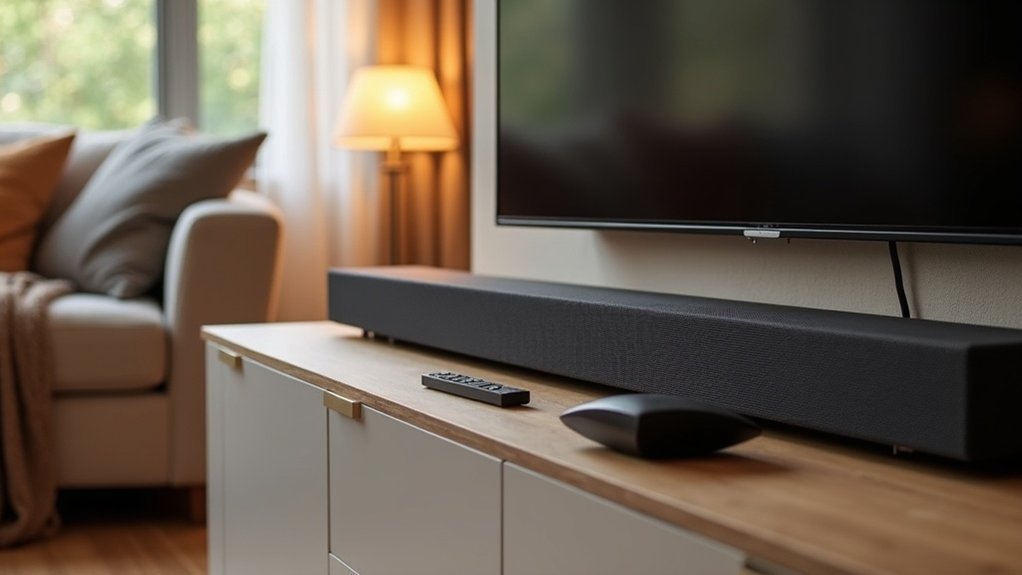
To reduce muffled dialogue on your soundbar, start by adjusting the settings. Enable dialogue-enhancing modes like Voice Enhance and adjust the equalizer to boost treble while reducing bass. Placement matters too; position the soundbar at ear level and ensure it isn’t obstructed. Explore various audio modes focused on speech and check the quality and security of your connection cables. If problems persist, consider investing in a dialogue-focused soundbar model, as they greatly improve clarity. There’s more insight to uncover on optimizing soundbars for the best audio experience.
Key Takeaways
- Enable dialogue-enhancing modes like Voice Enhance or Clear Voice in your soundbar settings for clearer speech.
- Adjust the equalizer by reducing bass and increasing treble to improve dialogue clarity.
- Position your soundbar at ear level and avoid placing it inside cabinets or behind obstacles for optimal sound performance.
- Use high-quality HDMI or optical cables and check connections to prevent sound quality issues that can affect dialogue clarity.
- Consider investing in a dialogue-focused soundbar with dedicated center channels for optimal vocal clarity and enhanced listening experience.
Adjust Your Soundbar Settings
To effectively enhance dialogue clarity on your soundbar, start by accessing the settings menu.
Look for dialogue-enhancing modes such as Voice Enhance or Clear Voice to elevate dialogue above background sounds.
Explore features like Voice Enhance or Clear Voice to bring dialogue to the forefront and reduce background noise.
Adjust the equalizer settings by reducing bass and fine-tuning treble levels to clarify dialogue frequencies.
Set your sound mode to “Dialogue” or “Movie” for optimal speech enhancement.
Regularly calibrate your soundbar using any built-in features to tailor the audio output to your room’s acoustics.
If your soundbar has the option, increase the center channel volume to isolate and amplify voices, ensuring clearer understanding during conversations in your favorite shows and movies.
Optimize Speaker Placement
When optimizing speaker placement for your soundbar, positioning it at ear level significantly enhances sound projection and dialogue clarity.
Avoid placing the soundbar inside cabinets or behind obstacles, as this can muffle sound and diminish your audio experience.
Ensure there’s sufficient space around the soundbar; being too close to walls or corners can negatively impact sound quality and clarity.
For optimal alignment, mount the soundbar directly beneath the TV to synchronize audio with visuals seamlessly.
Lastly, place the soundbar securely on a flat, stable surface to minimize vibrations, which can disrupt playback and compromise the intelligibility of human speech.
Experiment With Audio Modes
After optimizing speaker placement, exploring different audio modes on your soundbar can significantly improve dialogue clarity.
Many soundbars offer preset sound modes such as “Movie,” “Music,” and “Speech.” Engaging the “Dialogue” or “Voice Enhance” mode can effectively boost speech frequencies, enhancing the clarity of dialogue.
Many soundbars feature preset modes like “Dialogue” or “Voice Enhance” to significantly improve dialogue clarity.
Additionally, consider manually adjusting the bass and treble levels in your audio settings to reduce muddiness. It’s beneficial to experiment with audio settings based on the type of content you’re watching, as action movies often require different adjustments compared to dramas.
Regularly recalibrating your soundbar will help optimize output, ensuring you consistently enjoy clear dialogue for all your viewing experiences.
Check Connection Cables
Inspecting your connection cables is a crucial step in ensuring optimal sound performance from your soundbar. Faulty or low-quality cables can lead to significant audio issues, such as muffled sound or distortion.
Always check your connection cables for any signs of damage or wear, and consider using high-quality HDMI or optical cables to achieve the best sound clarity. Ensuring that connections are secure is vital; loose or improperly fitted cables can negatively impact sound quality.
If you experience crackling or distorted audio, testing different cables may help uncover any underlying issues. Regularly checking and replacing cables as necessary will aid in preventing audio problems and maintaining the highest possible sound performance from your soundbar.
Invest in a Dialogue-Focused Soundbar
To enhance speech clarity, investing in a dialogue-focused soundbar is essential for your audio experience.
These soundbars typically feature dedicated center channels that prioritize voice reproduction, ensuring dialogue is clearer than with standard options.
Enhanced Speech Clarity
Investing in a dialogue-focused soundbar can significantly improve speech clarity, making it easier to understand conversations in your favorite shows and movies.
Upgrading to models from renowned brands like Zvox or Roku highlights vocal frequencies, effectively elevating dialogue above background noise. Many soundbars come equipped with specialized modes such as “Voice Enhance” or “Clear Voice,” ensuring that voices remain clear even amidst ambient sounds.
Moreover, advanced audio processing capabilities separate dialogue from sound effects, delivering an immersive viewing experience.
Fortunately, there are budget-friendly options available that allow you to enhance the clarity of on-screen conversations without breaking the bank.
Center Channel Importance
A dedicated center channel is crucial for achieving optimal dialogue clarity in soundbars. These channels are specifically designed to enhance dialogue by isolating speech frequencies, resulting in clear audio.
Soundbars labeled as 3.1 or 5.1 typically include a center channel, which is vital for delivering crisp, intelligible dialogue. Many dialogue-focused soundbars come equipped with modes such as “Voice Enhance” or “Clear Voice,” engineered to elevate speech clarity above background sounds.
Investing in these advanced audio processing technologies can significantly improve your sound experience, reducing muffled dialogue and allowing for a more immersive engagement with conversations in movies and TV shows.
Brands like Zvox and Sonos are particularly noted for their excellence in this area.
Regularly Calibrate Your Sound System
To optimize dialogue clarity with your soundbar, you should regularly adjust its audio settings.
Utilize different sound modes available on your soundbar to test which configuration enhances intelligibility in your specific room environment.
Adjust Audio Settings
Regular calibration of your soundbar is essential for achieving peak audio performance, particularly when it comes to dialogue clarity.
To improve your sound settings, adjust the bass and treble levels; reducing bass can greatly enhance dialogue intelligibility, preventing deeper frequencies from overshadowing speech.
Many soundbars include automatic calibration features that tailor audio output to your room’s unique acoustics, further optimizing sound quality.
Additionally, regularly revisit and fine-tune these settings, as room dynamics and speaker placement can shift over time, impacting how clearly dialogue is heard.
Consistent adjustments ensure your soundbar delivers the best possible clarity for every viewing experience.
Test Sound Modes
How often do you test the sound modes on your soundbar? Regularly testing sound modes can greatly enhance your audio experience, especially when you’re having trouble understanding dialogue.
Adjusting audio settings like:
- Speech mode for clearer vocals
- Dialogue mode to emphasize human voices
- Movie mode for a cinematic experience
- Bass and treble adjustments to fine-tune your listening
- Automatic calibration features for optimal performance
These adjustments can ensure that dialogue is clear and distinguishable.







