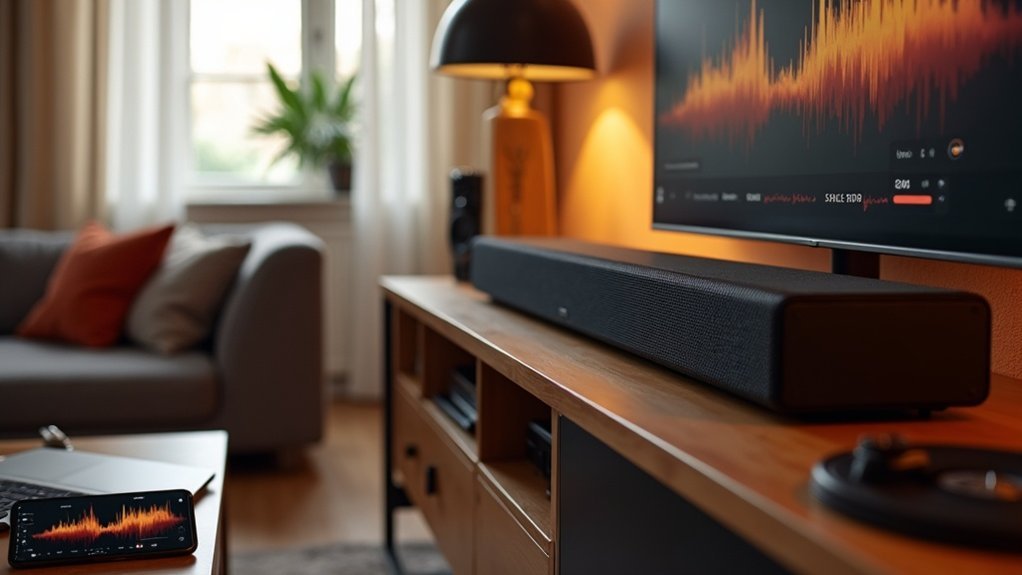
To calibrate your soundbar for music, start by positioning it correctly below your TV, ensuring there are no obstructions to sound. Utilize calibration tools such as sound level meters or take advantage of automatic features that come with a microphone. Adjust the equalizer settings to enhance bass, mid-range, and high frequencies according to your personal preferences. Be sure to explore any built-in calibration features for precise tuning. Regular maintenance of your setup is essential; keep connections clean and recalibrate whenever there are changes in your room layout. Discover more tips on optimizing your audio experience with your soundbar.
Key Takeaways
- Position the soundbar properly below the TV and avoid obstacles to ensure clear sound projection for music.
- Utilize built-in calibration features or apps designed for soundbars to optimize audio response for music listening.
- Adjust equalizer settings on your soundbar to enhance low, mid, and high frequencies for a balanced sound profile tailored to different music genres.
- Regularly test and fine-tune sound modes and equalization settings on your soundbar to achieve the best audio experience for various music styles.
- Recalibrate the soundbar after any room layout changes to maintain optimal sound quality.
Start With Proper Placement
Proper placement of your soundbar is essential for achieving ideal audio performance. Position it directly below your TV, ensuring unobstructed drivers for clear sound projection.
If you choose to wall-mount, maintain the recommended distance below the TV, especially for soundbars with upfiring drivers to enhance sound dispersion.
Avoid placing the soundbar inside cabinets or behind obstacles, as this blocks sound waves and diminishes audio clarity.
For optimal sound, position your subwoofer on the same wall as the TV, ideally in a corner to amplify bass.
Experiment with the placement to find the best balance for your specific room acoustics and audio settings.
Utilize Calibration Tools
Once you’ve positioned your soundbar for peak performance, the next step is to fine-tune its audio output using calibration tools specifically designed for soundbars.
Begin the calibration process by measuring sound levels with a sound level meter or a smartphone app to ensure balanced audio tailored for your soundbar. If your soundbar supports automatic calibration, utilize the included calibration microphone to adjust settings based on your room acoustics.
Additionally, employ a test tone generator—often integrated into modern soundbars—to evaluate frequency response. Always position the calibration microphone at ear height in your primary listening position, and remember to recalibrate after any changes to your room layout to maintain ideal sound quality from your soundbar.
Adjust Equalizer Settings
To achieve the best audio experience from your soundbar, you’ll need to adjust its equalizer settings, which allow you to tailor the sound profile to your preferences.
Start by accessing the equalizer through the soundbar’s companion app or remote control. Boost low frequency levels (60-80 Hz) for richer bass, but avoid excessive gain to prevent distortion.
Enhance mid-range frequencies (500 Hz to 2 kHz) for clearer vocals and instruments. Adjust high frequencies (3 kHz to 10 kHz) to add brightness, but be cautious of overemphasis, which can induce listening fatigue.
Regularly test your adjustments with various music genres to optimize sound quality specific to your soundbar.
Explore Built-in Calibration Features
While many soundbars deliver impressive audio quality straight out of the box, taking advantage of built-in calibration features can significantly elevate your listening experience.
These calibration tools automatically fine-tune audio settings according to your room’s acoustics, ensuring optimal sound quality. Typically, a microphone measures test tones produced by the soundbar, analyzing the audio response within your specific environment.
To achieve the best results, follow the manufacturer’s instructions carefully, ideally in a quiet setting. Some soundbars even offer companion apps that provide additional options for fine-tuning settings like equalization.
Remember to recalibrate periodically, especially after making changes to your room layout that could influence acoustics.
Regular Maintenance for Optimal Sound Quality
Maintaining optimal sound quality from your soundbar requires regular attention to its settings and physical condition.
Regular maintenance includes checking and adjusting subwoofer levels, crossover points, and phase settings to ensure balanced sound tailored to your music preferences.
Regularly adjusting subwoofer levels, crossover points, and phase settings is essential for achieving a balanced sound that suits your music preferences.
Utilize the soundbar’s calibration features and companion apps to adapt to any changes in your room for the best audio performance.
Periodically clean the soundbar and its connections to prevent dust from degrading sound quality, especially in wireless setups.
After significant layout changes or the addition of new furniture, it’s important to recalibrate your soundbar.
Finally, test various sound modes and equalization settings to discover the best audio profile for your listening environment.







