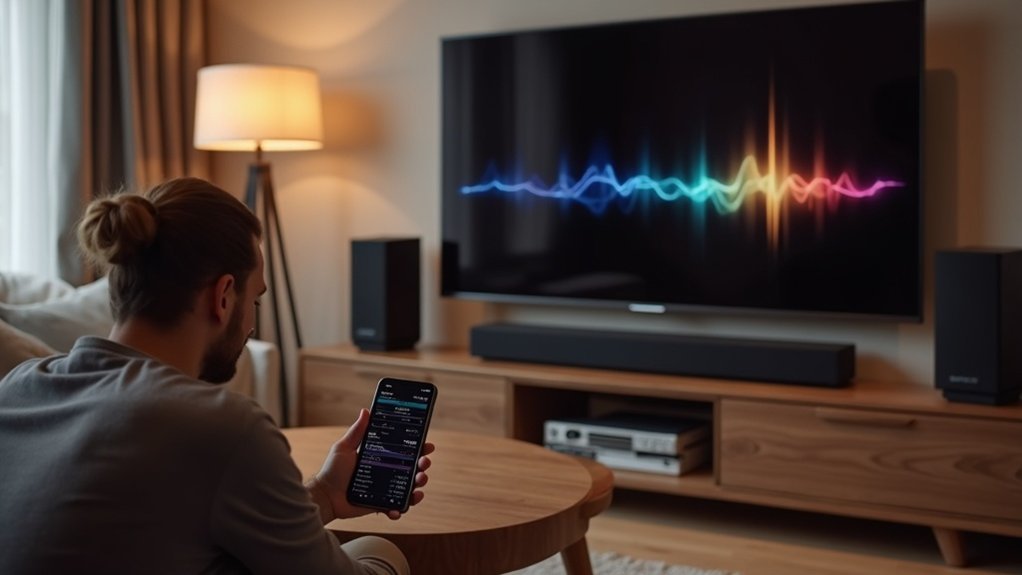
To calibrate your soundbar in an apartment, start by positioning it directly below your TV and avoid obstructions that block sound. Use HDMI ARC for the best audio quality and connect devices directly to the soundbar. Enable auto-calibration features according to the manufacturer’s instructions and perform listening tests using various audio formats. Adjust bass, treble, and surround sound settings based on your room layout. For a more immersive experience, explore tuning methods and enhancements that can elevate your soundbar’s performance.
Key Takeaways
- Position your soundbar in an unobstructed area to ensure accurate sound projection and room analysis for calibration.
- Utilize the auto-calibration feature according to the manufacturer’s instructions to optimize sound settings for your apartment’s acoustics.
- Conduct listening tests with various audio content to identify sound imbalances and adjust the equalizer settings accordingly.
- Regularly fine-tune audio settings, such as bass and treble, to suit your preferences and adapt to changes in furniture placement.
- Keep the soundbar free from obstructions and reassess room acoustics periodically to maintain optimal sound quality in your apartment.
Setting Up Your Soundbar
When setting up your soundbar, it’s essential to position it directly below your TV to achieve optimal audio performance. This ensures that the drivers are unobstructed, allowing for ideal sound projection in your space.
Position your soundbar directly below your TV for unobstructed drivers and optimal audio performance.
If you’re utilizing detachable rear speakers, position them beside the seating area to enhance surround sound. Remember to calibrate their placement for the best results.
For superior audio quality, utilize HDMI ARC or eARC ports, ensuring your TV is set to “Enhanced” mode.
Finally, conduct a sound test and use the soundbar’s calibration feature to fine-tune audio settings for your unique acoustics.
Connecting to Your TV
Connecting your soundbar to your TV is essential for enhancing your audio experience. To achieve the best sound quality, utilize the HDMI ARC or eARC port. Ensure that your TV’s HDMI output is set to “Enhanced” to take advantage of advanced audio formats like Dolby TrueHD. If you own a streaming device, connect it directly to the soundbar to enhance sound output. It’s important to verify that your soundbar is powered on and set to the appropriate input source. For specific calibration settings, always refer to the user manuals for both the soundbar and the TV.
| Connection Type | Purpose | Notes |
|---|---|---|
| HDMI ARC | Peak audio performance | Supports advanced sound formats |
| Direct Connection | Improved sound quality | Avoids TV decoding limitations |
| TV Settings | Adjust sound output | Set to “Enhanced” mode |
| Input Source | Seamless playback | Confirm correct input selection |
Positioning for Optimal Sound
To achieve the best sound from your soundbar, focus on ideal placement and avoid any obstructions that may block audio pathways.
If you’re wall-mounting your soundbar, ensure it’s positioned correctly to facilitate proper audio dispersion.
Additionally, consider the height of the soundbar to align it with ear level for an immersive audio experience.
Ideal Speaker Placement
Achieving ideal sound quality from your soundbar relies heavily on optimal speaker placement. Center the soundbar directly below your TV to enhance audio projection and clarity.
Position detachable rear speakers beside your seating area, ensuring no obstructions block sound for an immersive audio experience. If wall-mounting, keep the soundbar 2-3 feet below the TV for the best sound direction.
Place the subwoofer on the same wall as the TV, ideally in a corner, to maximize bass response. In smaller spaces, consider using upward-firing speakers or virtual surround mode to create an immersive audio environment without extensive speaker placement.
Avoiding Sound Blockages
After confirming the ideal speaker placement for your soundbar, it’s crucial to consider how sound blockages can affect your audio experience.
Position your soundbar directly below the TV to ensure unobstructed sound projection and maximum clarity. Avoid placing it inside cabinets or behind furniture, as these elements can significantly hinder audio quality.
If you choose to wall-mount your soundbar, make sure it’s at ear level when seated to enhance your listening experience.
Additionally, place subwoofers in corners or against walls, and ensure that all components are free from decorative items or plants that could interfere with sound waves, preserving clarity and immersion in your audio experience.
Wall-Mounting Considerations
When wall-mounting your soundbar, it’s essential to position it directly beneath the TV to guarantee ideal audio projection towards your listening area.
Aim to mount it at ear level when seated, ensuring unobstructed driver access to sound waves. Maintain a few inches of distance from the TV’s bottom edge to enhance sound quality.
If your soundbar features upward-firing drivers, place it 30-40 inches above the floor for optimal sound reflection.
Avoid cabinets or wall proximity, as these can create echoes and muddled audio.
Proper positioning and thoughtful audio settings are vital for maximizing your soundbar’s performance and creating an immersive experience.
Utilizing Auto Calibration Features
Modern soundbars often feature advanced auto-calibration capabilities, allowing you to optimize your audio experience effortlessly.
To utilize this feature, place your soundbar in an unobstructed position for accurate analysis of room acoustics. Follow the manufacturer’s instructions to initiate auto-calibration, which typically involves playing a series of test tones to evaluate speaker performance and automatically adjust sound settings.
Place your soundbar unobstructed for precise auto-calibration, and follow the instructions to optimize your audio experience.
Additionally, some soundbars permit manual tuning after calibration, enabling you to fine-tune EQ settings or speaker levels based on your preferences.
Remember to check for software updates regularly, as these can enhance auto-calibration performance and overall sound quality, ensuring you get the best possible experience from your soundbar.
Fine-Tuning Audio Settings
To achieve ideal sound quality with your soundbar, start by evaluating its placement according to your room layout.
Adjust the soundbar’s audio settings to align with your preferences, ensuring an immersive audio experience.
Speaker Placement Guidelines
Proper speaker placement is essential for optimizing your soundbar’s audio performance. Position the soundbar directly below your TV, angling the center speaker toward the listening area for enhanced dialogue clarity.
For a surround sound system, place detachable rear speakers beside your seating area and slightly above ear level to create an immersive experience. If you’re using a subwoofer, situate it on the same wall as the TV or in a corner to improve bass response.
Avoid placing the soundbar inside cabinets or behind objects to prevent sound blockage, ensuring unobstructed audio projection for clear sound. Fine-tune your audio settings accordingly for the best soundbar experience.
Surround Sound Level Adjustments
Adjusting the surround sound levels on your soundbar is essential for achieving the best audio experience tailored to your environment.
After calibrating the speaker position, use the soundbar’s remote control to select your preferred surround sound level—high, low, or the default middle setting.
This adjustment is vital for enhancing audio clarity and immersion, especially in smaller apartments where room acoustics can distort sound.
Regularly fine-tuning the surround sound level helps adapt to changes in furniture placement, ensuring dialogue intelligibility and enhancing overall sound dynamics.
Prioritize these adjustments to create an ideal audio experience that complements your living space with your soundbar.
Adjusting Bass and Treble
How can you achieve the perfect balance of sound in your soundbar? Adjusting bass levels and treble settings is essential for enhancing sound quality while respecting your apartment’s acoustics. Here’s how to get started with your soundbar:
- Set the bass levels around 50%, then fine-tune to avoid overpowering low frequencies that can muddy the sound.
- Increase treble settings if dialogue clarity is lacking; this boosts intelligibility without raising overall volume, making it easier to hear conversations in movies and shows.
- Use a sound level meter or app to measure adjustments, ensuring a balanced profile that suits your space and the capabilities of your soundbar.
Regularly reassess settings when rearranging furniture or when you change your soundbar’s placement to maintain ideal sound quality in your apartment.
Performing Listening Tests
After fine-tuning the bass and treble settings on your soundbar, performing listening tests is the next crucial step to ensure it delivers excellent audio quality.
Begin by playing a variety of audio content—such as movies, music, and games—to assess sound quality and identify any imbalances.
Start testing your soundbar by playing different audio types—movies, music, and games—to evaluate sound quality and pinpoint any issues.
Utilize test tones or pink noise to closely examine speaker performance across different frequencies, making adjustments to audio settings as necessary.
Measure the distance from your seating area to the soundbar, ensuring sound timing is coherent.
While enjoying familiar tracks, tweak the equalizer to enhance specific frequencies.
Document all adjustments during this calibration process to optimize your soundbar’s performance for a superior audio experience in your apartment.
Tips for Enhancing Your Audio Experience
To enhance your soundbar experience, start by positioning it directly beneath the TV, ensuring no obstructions interfere with sound projection.
Follow these tips for peak performance:
- Utilize the soundbar’s calibration feature to establish proper placement and audio settings, ensuring the best sound quality in your space.
- Experiment with different surround sound level settings (high, low, or middle) after calibration to discover what suits your listening preferences best.
- Position the subwoofer in a corner to improve bass response, maximizing low-frequency output and enhancing overall sound clarity without overpowering dialogue.







