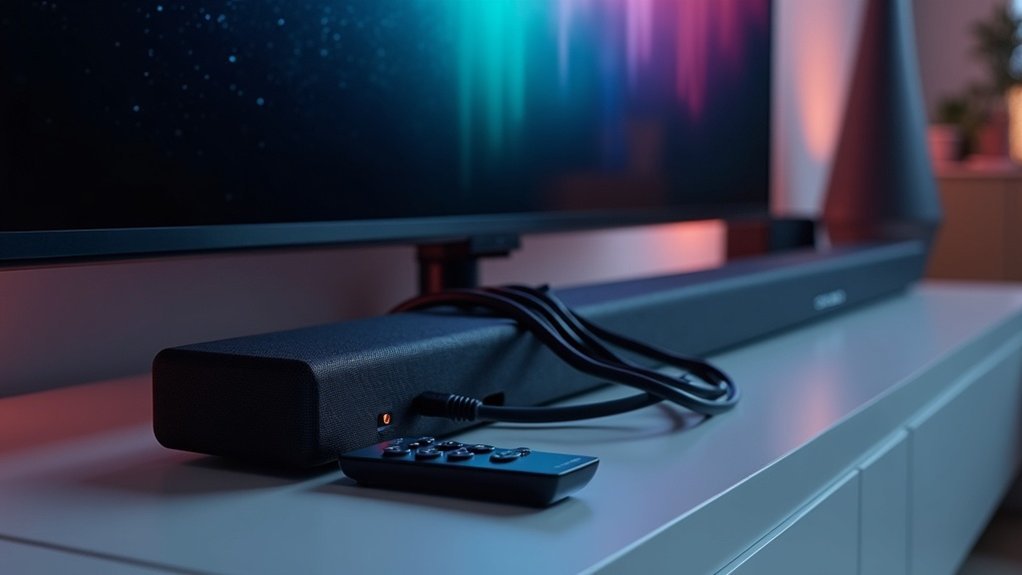
To connect your soundbar to a universal remote, first ensure your soundbar is powered on and connected via HDMI, optical cable, or Bluetooth. Access the setup mode on your remote, select the soundbar brand, and enter the programming codes from the manual. Test the volume and mute functions to confirm it’s working. If it doesn’t respond, try different codes or consult the troubleshooting section for additional help. Keep exploring to uncover more tips for seamless soundbar integration!
Key Takeaways
- Ensure your soundbar is powered on and properly connected to the TV via HDMI, optical cable, or Bluetooth for optimal performance.
- Access the setup mode on your universal remote and select the brand of your soundbar for accurate configuration.
- Input the programming code found in the soundbar’s user manual; the soundbar will indicate a successful connection if the code is entered correctly.
- Test the volume and mute functions to verify that the universal remote is effectively communicating with your soundbar.
- If the programming process does not succeed, consider trying alternative codes or refer to troubleshooting guides for additional support.
Setting up Your Soundbar With the TV
To set up your soundbar with the TV, ensure that the soundbar is powered on and connected properly. You can use an HDMI cable, optical cable, or Bluetooth connection for this.
Once connected, grab your universal remote and access the setup mode, following the instructions provided. Next, select your soundbar’s brand and input the necessary programming codes, which can typically be found in the manual or online.
After programming, test the volume control and mute functions to confirm the remote successfully communicates with the soundbar. If it doesn’t work, try alternative codes to ensure your soundbar is fully operational.
Programming the Universal Remote
Programming a universal remote to control your soundbar is a straightforward process that can enhance your home entertainment experience.
Start by consulting the soundbar’s user manual for specific setup instructions and compatible remote codes.
Access the Remote Setup section on your universal remote and select the soundbar type and brand. Enter the necessary code from your list; if it’s correct, your soundbar will respond.
Test its functionality by adjusting the volume or powering it on/off to confirm successful programming.
If it doesn’t work initially, check troubleshooting guides, as some remotes may need multiple code entries or a reset.
Troubleshooting Connection Issues
While attempting to connect your soundbar to a universal remote, you might encounter a few common issues that can hinder the process.
First, ensure your soundbar is powered on and properly connected via HDMI. Next, verify that you’re using the correct code for your specific soundbar model, as each brand has different codes.
If programming fails, try resetting the universal remote and repeating the setup process. Additionally, check the compatibility list to confirm that your remote supports your soundbar brand.
If you’re experiencing difficulties controlling the volume or establishing a connection, consult the user manual for further troubleshooting steps and code search methods.
Alternative Control Options for Your Soundbar
If you’re still encountering difficulties with your universal remote, considering alternative control options for your soundbar can enhance your overall experience.
Many universal remotes are designed to program your soundbar using specific setup instructions, making it easier to manage. If your soundbar supports Bluetooth audio control, you may be able to operate it conveniently using your TV remote.
Furthermore, some soundbars come equipped with a “Learn” mode that allows them to replicate commands from existing remotes, streamlining control.
For soundbars that lack HDMI or optical connections, a 3.5 mm audio jack can provide basic volume control through a properly programmed universal remote, enabling you to use a single remote for multiple devices seamlessly.
Tips for Seamless Integration
To ensure a seamless integration of your soundbar with a universal remote, begin by verifying the compatibility of your remote with your specific soundbar model.
Refer to the remote’s compatibility list or user manual for guidance. Carefully follow the programming instructions, entering the necessary codes for your soundbar brand.
If the initial codes don’t yield results, utilize the “search for codes” feature to locate a suitable match.
Once programmed, test the remote’s functionality by adjusting the volume and muting the soundbar.
It’s advisable to keep your soundbar’s original remote nearby until the universal remote is fully operational, especially if you’re using HDMI ARC for enhanced convenience.







